
Skip to content

Multi-location

Two shopfronts. One front desk.

Each venue keeps its own hours, prices and look. Your clients, calendar and numbers stay together, and clients choose the venue when they book.

A woman walking between shopfronts on a city street

Meanwhile, across two rooms

A regular books the other room.

New client, again

Thursday's prices.

Different at each, in your head

How the month went.

Two spreadsheets, one guess

How it works

Set each venue up once.

Magic keeps the venues apart where it matters and together where it counts.

Hours and prices

Each venue keeps its own week

Opening hours per venue, and a service can carry a different price or duration at each one. Anything you don't set falls back to the default.

Booking

Clients pick the venue first

With two or more venues, your booking page asks where they'd like their appointment, with a photo of each shopfront. A mobile venue tells them you come to them.

One business

One client list, one calendar

Every booking carries its venue. The calendar, the home page and reports filter to one venue or show the whole business.

Two venues, one desk

Each venue's hours and prices, set once.

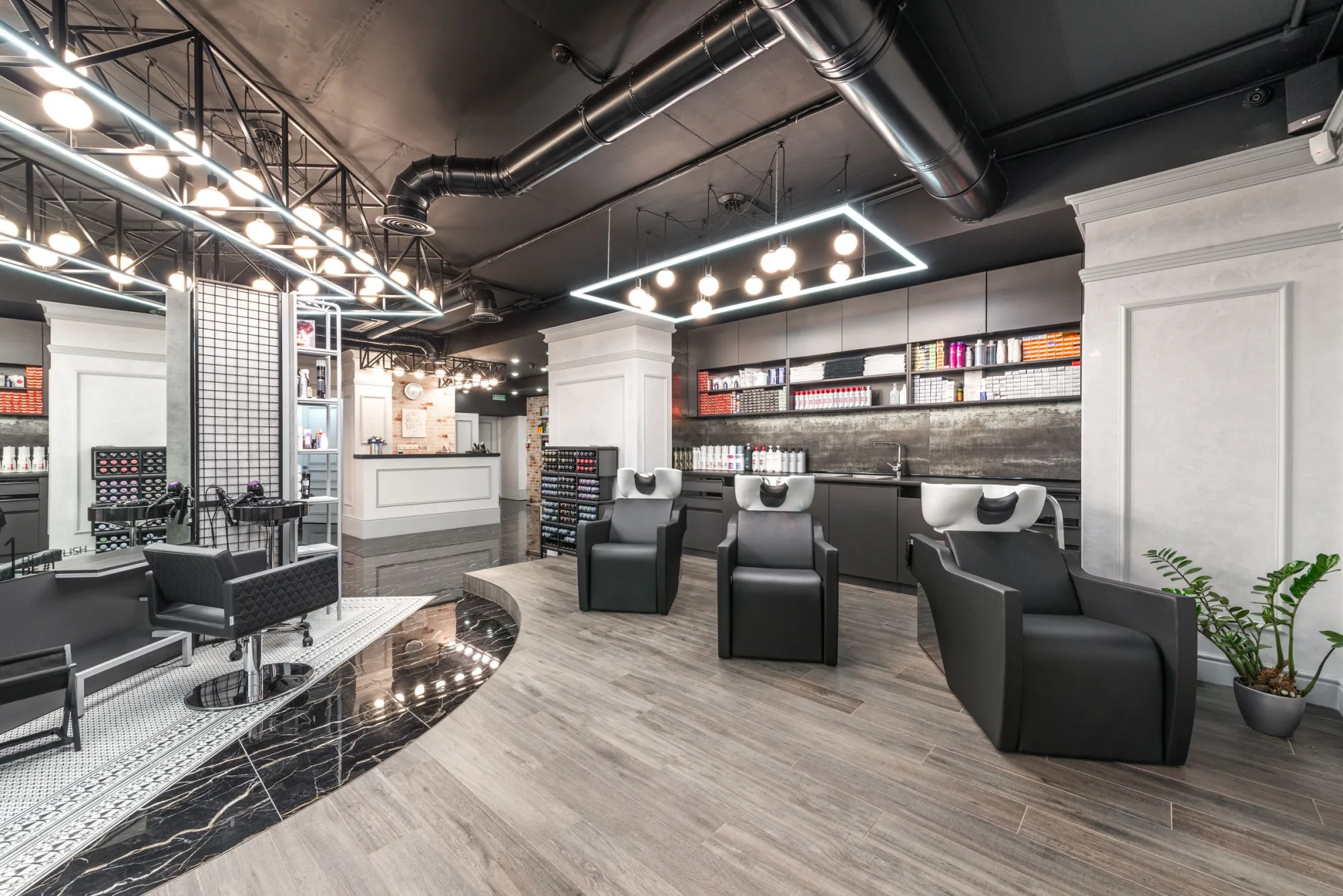
A styling chair and mirror in a bright salon

Two rooms, one client list.

Inside the product

The venue, the hours, the price.

Set per venue. Seen in one place.

Everything lands in one inbox

  • Email
  • Messages
  • Inquiries

Two-way communication - their reply lands back in the same thread, and your answer goes out from it.

Where would you like your appointment?

The Flagship

657 Chapel Street

The Seaside

5 Ormond Road

Opening the second room without a second system.

The day the new venue opens, everything already knows about it.

A stylist at rest in a timber-lined salon

The venues

Every room, on one book.

Two shopfronts, one book

The difference

One login. Every venue.

A separate account per venue splits your clients and your numbers in two. Magic keeps them whole.

Two systems

Two of everything

A client who visits both rooms is two records, and the totals never add up.

Magic

One record, one report

One client list, one calendar, and numbers by venue or for the whole business.

Answers before you ask.

Can each venue have different prices?

Yes. A service can carry its own price or duration at each venue. Anything you don't override stays at the default everywhere.

Do clients see both venues when they book?

When two or more venues are enabled, the booking page asks where they'd like their appointment first, with a photo of each. A mobile venue tells them you come to them.

Can a service be offered at only one venue?

Yes. Each service lists the venues it's available at, and the booking page only offers it there.

Do I get numbers per venue?

Yes. The calendar, the home page and reports filter to one venue or show the whole business.

What does it cost to move?

The move itself is free, and there is no card to get started. You can stop at any time.